
Blog

Setting Up Your Event: Rental Equipment Checklist
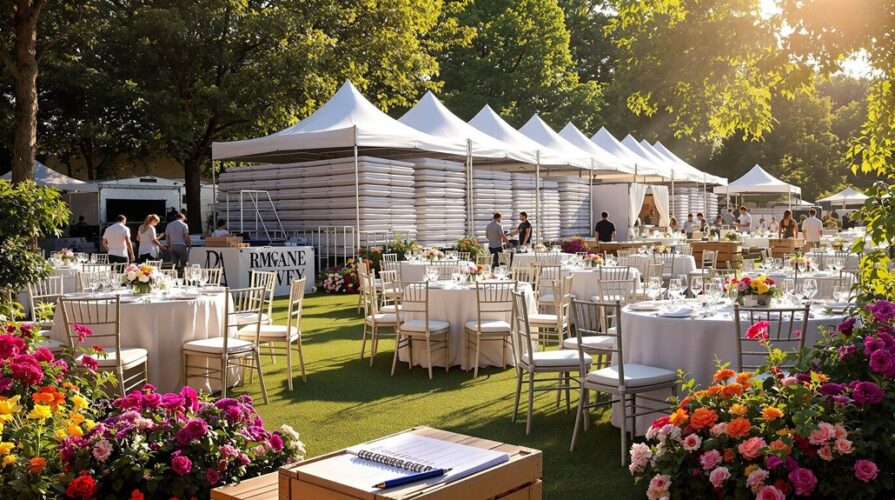
Planning an event in Regina or elsewhere in Southern Saskatchewan demands more than a lucky guess about gear and cables. This event rental equipment checklist Regina guide walks through the practical decisions organisers need to make weeks before setup day—room layout, audience size, noise limits, power availability, and contingency gear. It’s built for wedding planners, schools, venues, non-profits, and businesses who want to avoid last-minute scrambling for speakers, microphones, lighting, or technical labour. Use this checklist to map your audio visual production needs to the right rental items, reduce surprise costs, and give your vendor a clear brief so the rental inventory on delivery matches the plan.
1. Start with the event profile and venue audit
Begin by building a short event profile: type (ceremony, reception, assembly, meeting ), expected headcount, indoor or outdoor, audience seating (standing, theatre, banquet), and whether there’s musical entertainment or presentations. Walk the venue at the same time of day as your event to note natural light, reverberant surfaces, neighbours or sound restrictions, and all potential access points for load-in. This simple venue audit informs everything from speaker power and mic choice to cord routes and lighting placement—early awareness avoids awkward compromises on arrival day.
Checklist items to record: room dimensions, ceiling height, stage or focal area dimensions, nearest power outlets and panel access, permitted noise levels, and any fixed AV (house PA or projectors). If you’re working with a venue regularly, reference their floor plans and house rules as you compile the final equipment list. For organisers unfamiliar with rental options, looking through the rental inventory ahead of time will make these conversations faster and more accurate.
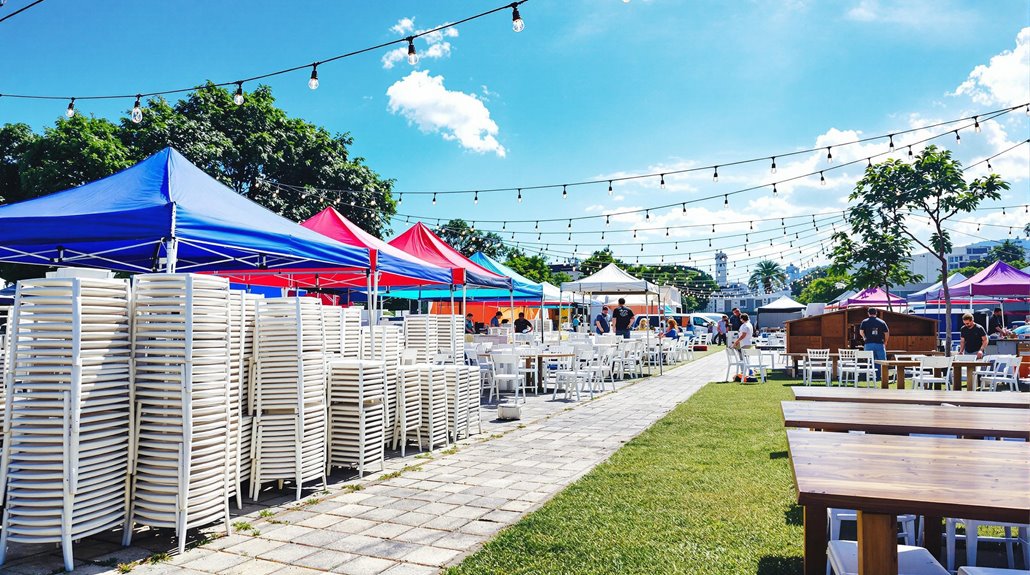
2. Match sound system size to audience and room
Choosing a sound system is about coverage and clarity, not maximum volume. For a seated audience of 50–150 in a typical conference or banquet room, a pair of powered speakers with a small mixer usually delivers even coverage. For outdoor ceremonies or larger halls, you’ll need more rigging, delays, or additional fills. Consider whether music needs full-range fidelity (live band, DJ ) or whether clear speech for speeches and presentations is the priority—each requires different speaker choices and processing.
When estimating wattage and speaker quantity, factor in room acoustics (hard surfaces require more careful placement) and expected background noise. If you’re unsure which setup fits your space, include your event profile when asking about system options so rental professionals can recommend systems that won’t leave parts of the room under-served or overwhelm neighbours.
When that part of the plan becomes a priority, the related Regina event rentals page gives readers a clearer service-level next step without forcing the rest of the article into a sales pitch.
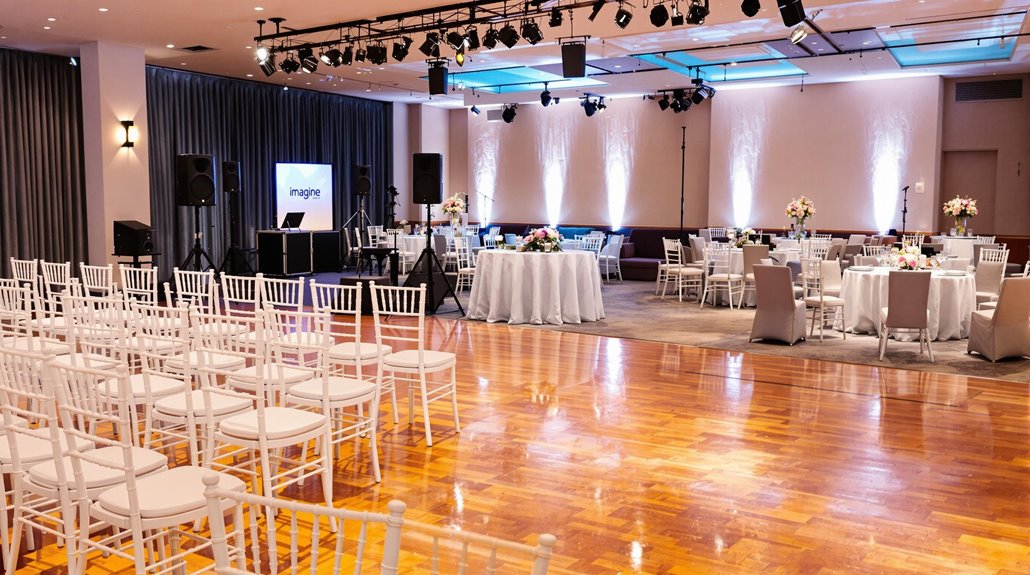
3. Microphones: wired, wireless, and practical picks
Microphone choice is a common make-or-break detail. Wired handhelds are reliable for fixed podiums and microphones on stands; lavalier or headset mics free presenters’ hands for workshops or ceremonies. Wireless is convenient, but it requires frequency coordination—especially in busy urban environments. If you want a plug-and-play wireless handheld for speeches or a singer, referencing a Shure wireless microphone rental option helps ensure you get a proven, interference-resistant system.
Decide how many microphones you need, and what style: backup wired mic, one or two wireless handhelds for emcees, a lav for the officiant or speaker, and any DI boxes for acoustic instruments. Always request spares and fresh batteries for wireless systems; on busy event days an extra mic can fix a problem before it affects the program.
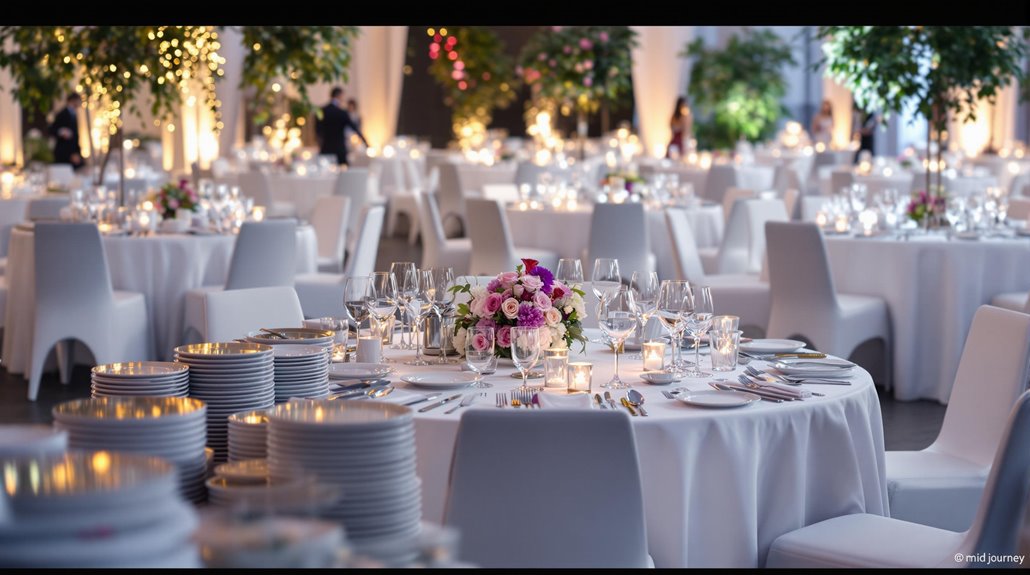
4. Speakers, poles, and staging considerations
Speaker placement is as important as the speakers themselves. For portable rigs, elevating speakers on stands or poles improves coverage and prevents sound from being absorbed by the crowd. For quick adjustments and safer setup, a JBL speaker pole gas assist rental can simplify lift and positioning. For larger events, plan for front fills, delay towers, and monitor mixes for performers so each zone of the audience hears balanced sound.
If your event includes a stage, confirm stage dimensions, monitor wedges, DI boxes, and whether you need subwoofers for low-end music. Communicate placement restrictions—no drilling, specific distances from walls, or sightline requirements—so the audio plan aligns with venue rules and keeps sightlines clear for attendees and photographers.
For readers comparing practical options, rental inventory is a useful next page because it keeps the planning path connected to the specific service being discussed.
5. Lighting: purpose-driven choices for mood and visibility
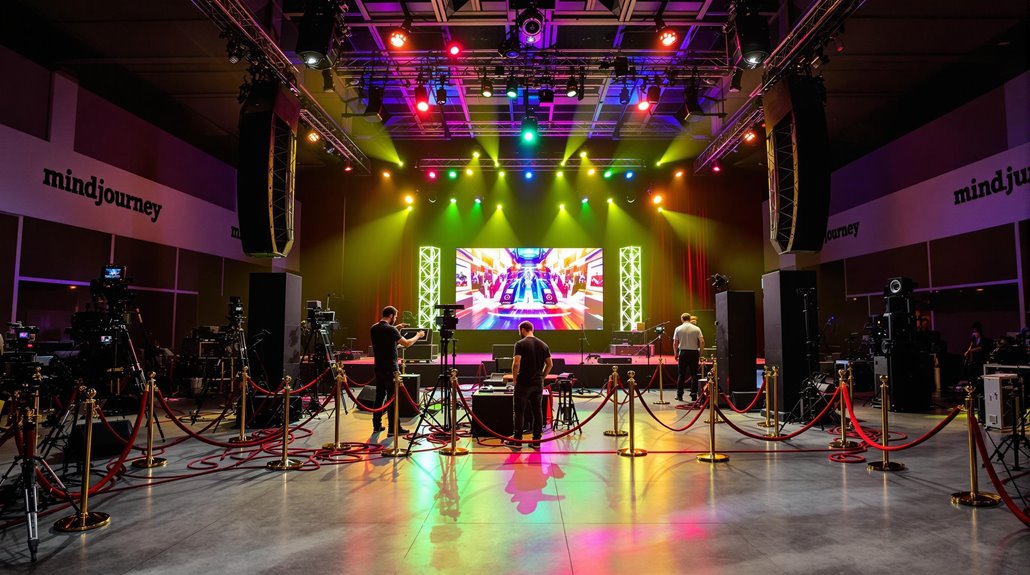
Lighting is both decorative and functional. Prioritise three roles: general stage or presentation lighting for visibility, accent or ambience lighting (uplights, gobos ) for mood, and practical work lights for vendors and catering during set-up. For ceremonies and formal moments, soft, even front light avoids harsh shadows on faces; for receptions, colour washes and dynamic effects enhance atmosphere. Plan lighting circuits and dimmer locations alongside power sources to avoid tripping breakers on event day.
If you expect a large variety of lighting needs—live-streaming a ceremony then shifting to a dance party—discuss programmable LED fixtures and lighting presets within your audio visual production plan. That allows quick scene changes without rewiring, and makes it easier to integrate lighting cues with audio and video timelines.
6. Cables, power, and backup essentials
Cables and power distribution are low-glamour but high-impact items you must account for. Map every piece of equipment to a power source, include extension cords and power bars with surge protection, and estimate length and type of audio cables (XLR, TRS) between inputs and the mixer. Labelled cables and tidied runs reduce setup time and safety hazards, and ensure vendor handovers are straightforward.
Always include redundancy: spare microphone, extra XLR snakes, an additional power strip, and a small toolkit for on-site fixes. For longer runs or outdoor events, use weather-rated cables and ground fault circuit interrupters (GFCIs). A simple contingency plan for a blown fuse or a dead battery keeps the event moving while technicians solve the issue.
If the event needs that extra layer of support, reviewing audio visual production can help connect the idea in this section to a real local service option.
7. Logistics: load-in, storage, staffing, and timing
A realistic schedule for load-in, soundcheck, tech rehearsal, and teardown prevents rushed decisions. Confirm door access, elevator dimensions, and parking or staging areas for trucks. Allocate space for temporary equipment storage that is dry, secure, and near the setup area. Note any venue rules about noise during load-in, or restricted hours for unions or security staff.
Decide whether you need on-site technicians, and for which phases—some clients hire a tech for setup and soundcheck only, others keep a tech for the whole event. Clear responsibilities, contact information, and a simple run sheet help the team respond quickly to timing changes, AV cues, or last-minute requests from speakers or performers.
8. Final-day checklist and quick troubleshooting
On test day run through a short checklist: power on all devices, check wireless frequencies and signal strength, confirm speaker phase and left-right balance, test microphones at programme speaking volume, and run a short recording or live stream test if applicable. Walk the room while audio plays to confirm consistent coverage and to identify troublesome reflections or dead zones that you can fix with repositioning or EQ.
Prepare a short troubleshooting plan: steps for resolving common problems like feedback, wireless dropouts, and tripped breakers, and who is authorised to make onsite adjustments. Keep spare batteries, a small multimeter, gaffer tape, and basic hand tools in a clearly marked kit. These small preparations save programmes and calm nervous clients when the unexpected happens.
For a deeper look at that related need, Shure wireless microphone rental gives the reader a focused place to continue without stacking unrelated links together.
Frequently Asked Questions
How do I know what size sound system I need for my Regina event?
Start with room size and type of content: clear speech for presentations needs less power than a live band. For seated audiences under 150, a pair of powered speakers typically suffices; larger banquet halls or outdoor spaces require additional fills and subwoofers. Consider acoustics, nearby neighbours, and whether you’ll need monitors for performers. Sharing a short event profile with a rental provider helps them match their rental inventory to your specific needs and suggest appropriate speaker counts and placement.
Are wireless microphones reliable for school and corporate events?
Wireless systems are convenient and dependable when planned properly. Reliability depends on frequency coordination, fresh batteries, and avoiding RF interference from nearby equipment. For critical moments—ceremonies or keynote speeches—ask for proven systems and a backup wired mic. If you require a specific model, a Shure wireless microphone rental option is commonly recommended for its durability and stable performance in busy environments.
Can I run both lighting and audio from the same power source?
You can, but it’s not ideal. Lighting can draw significant and variable current, which risks tripping breakers or introducing electrical noise into audio lines. Wherever possible separate lighting and audio circuits, or use dedicated, properly rated power distribution with surge protection. For outdoor events or older venues, bring a power plan and, if needed, a generator with appropriate load capacity and clean power for sensitive audio equipment.
Is it worth hiring a technician for the whole event?
Hiring a technician for the full event provides peace of mind and quicker responses to problems like feedback or wireless dropouts. If your event includes multiple transitions—presentations, live music, and livestreaming—on-site tech support ensures cues are executed and systems are adjusted. For simpler setups a technician for load-in and soundcheck might suffice, but weigh the complexity of the programme and the tolerance for interruptions when deciding.
Practical next steps for your checklist
Turn your notes into a simple document: event profile, venue audit details, a room diagram with speaker and lighting positions, a list of required microphones and spares, and a clear load-in and tech schedule. Share that document with any venue contacts and your rental provider so everyone arrives with the same expectations. A small amount of preparation reduces surprises and keeps your focus on the guest experience rather than troubleshooting gear on the day.