
Blog

Customizing AV Services to Reflect the Life Being Celebrated
Planning a memorial, funeral reception, or celebration of life in Regina requires more than a playlist and a microphone — it needs thoughtful audio-visual support that honours stories, music, and memories. Whether you’re arranging a small church service, a hall reception, or a graveside gathering on a prairie evening, good AV makes voices clear, music feel true, and video tributes watchable for everyone present and those tuning in from afar. This guide explains how to customise celebration of life AV services in Regina to fit venue size, guest mobility, cultural practices, and digital needs. You’ll find practical checklists, common pitfalls, and buying-decision guidance tailored to Southern Saskatchewan conditions, so families and planners can focus on what matters most: the people and the memories they share.
Why respectful AV matters in a celebration of life
Sound and visuals shape how memories are heard and felt. Clear microphones let readers of eulogies be understood; well-mixed music avoids jarring volume shifts during songs that family members chose; and seamless video tributes preserve pacing and emotional impact. For many people the service recording will be the reference they return to, so technical decisions affect long-term remembrance. In Regina and across Southern Saskatchewan, wind, hard floors, and multi-use halls create unique challenges that call for thoughtful placement of speakers and cameras rather than ad hoc setups. Treating AV as part of the service plan keeps attention on family stories, not technical glitches.
Early planning: schedule, run of show and tech needs
Start conversations about AV as soon as you have a date and venue. A simple run-of-show — welcome, readings, music cues, video tribute, names for speakers, and any special announcements — lets technicians map inputs and mic changes. Provide a contact who will make decisions on the day to avoid delays. If family members are contributing audio or video files, ask for them early in common formats and test-play them before the service to avoid format mismatches or missing codecs. Also confirm arrival and setup windows with the venue to coordinate access and parking.
Include technical notes for any religious or cultural elements — candles, processions, or non-traditional seating — because each changes microphone placement and sightlines. If the event will be livestreamed or recorded, plan for camera positions that respect privacy and dignity: choose fixed or discrete cameras rather than roving setups that could distract. Discuss whether you need on-site technicians during the reception, and whether a recording copy or streamed link will be shared with distant relatives after the service. Confirm how long recordings will be retained and how they will be delivered.
When that part of the plan becomes a priority, the related celebration of life services in Regina page gives readers a clearer service-level next step without forcing the rest of the article into a sales pitch.
Sound: microphones, speakers, and room acoustics for Regina venues
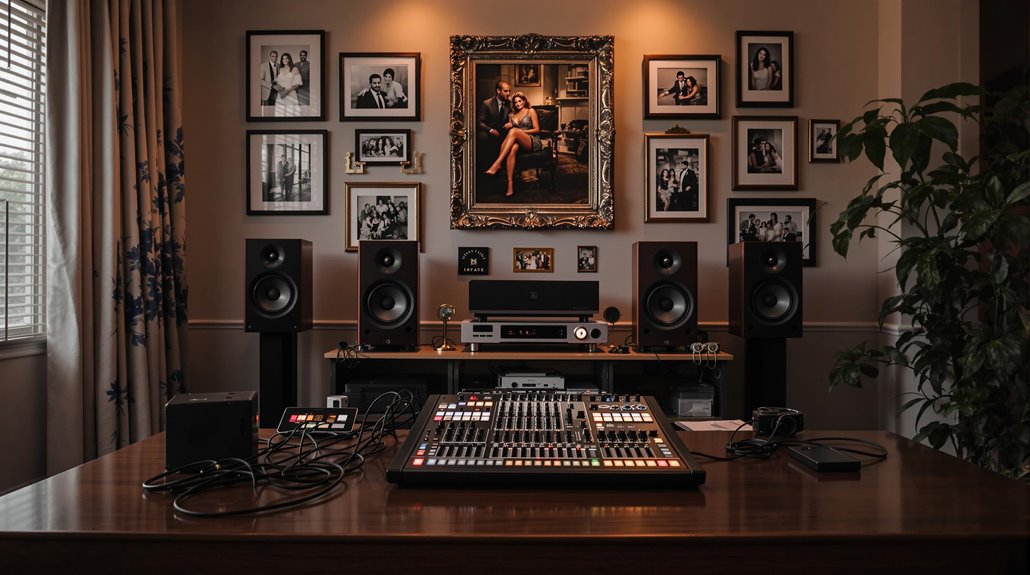
Choose microphone types to match the moment: handhelds for speakers who prefer to control their mic, lavalier mics for readers or officiants who need hands-free delivery, and a backup wired mic in case of battery or pairing issues. Speaker placement matters in long halls and community centres common in Regina — aim for even coverage so the front row and back row hear consistently. Consider a basic mixing board and operator to balance voices against music, and ask about wireless frequencies if multiple vendors are involved to avoid interference with local radio and wireless systems.
Music: selection, playback formats and emotional pacing
Music choices set the emotional arc of a service; work with family members to create a playlist that honours the deceased while respecting the room’s dynamics. Provide high-quality files (wav or high-bitrate mp3 ) rather than compressed smartphone recordings, and label tracks with timing cues to help technicians. Consider fade-ins and fade-outs for readings and transitions so applause or quiet moments don’t abruptly cut off. If public performance licences are a concern at community venues, clarify responsibilities early — some halls manage licences, others ask event organisers to confirm permissions.
For readers comparing practical options, funeral audio system and live video streaming is a useful next page because it keeps the planning path connected to the specific service being discussed.
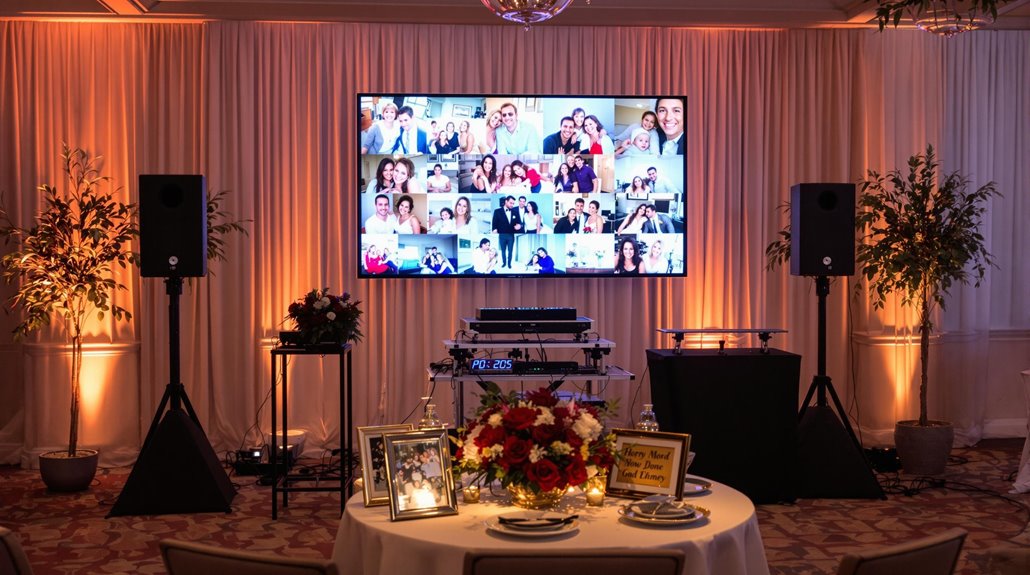
Video tributes and live video streaming: practical options
Short video tributes are often the emotional centrepiece. For reliable playback, request files several days before the event in common formats and ask the AV team to test them on venue equipment. If family members produce slideshows or montage videos, keep transitions simple and use consistent aspect ratios; unexpected 4:3 content in a 16:9 projection can cause black bars or stretching. Talk with technicians about backup copies and whether captions or dedications should be embedded for viewers who join remotely. For longer tributes, plan a brief pause afterwards to allow attendees time to reflect before the next item in the program.
Livestreaming is a thoughtful way to include out-of-town relatives. Ask about privacy options such as password-protected streams and whether an archived recording will be available afterward. Confirm that the broadcast will include a dedicated audio mix that balances speakers, ambient room sound, and music—this is where a funeral audio system and live video streaming package can make a difference. If family members need technical assistance, request a brief rehearsal or mic check before guests arrive to reduce nerves and eliminate last-minute problems.
Lighting and visuals: setting tone without spectacle
Appropriate lighting helps create intimacy without drawing attention away from speakers. Soft wash lighting, subtle uplights, or a warm key on the podium improves camera performance and visibility for older attendees. Avoid theatrical strobes or harsh coloured beams; this isn’t a concert. For practical background and mood, consider the same approach used in lighting and sound in celebrations of life: low-profile fixtures, dimmer control, and simple gobo textures if the family wants a personalised touch like a name or symbol. Discuss power availability and safety with the venue early.
If the event needs that extra layer of support, reviewing live video streaming can help connect the idea in this section to a real local service option.
Common mistakes families and planners make
Rushing AV decisions to the last hour is the most common mistake; scrambled timelines increase stress and the chance of preventable problems. Avoid relying on volunteers without clear instructions — people mean well but may not have experience with mixing, file formats, or livestream platforms. Skimping on rehearsal and audio checks often leads to feedback, dropped feeds, or inaudible readings. Also, don’t assume every venue provides a reliable internet connection; outdoor services and older halls may need dedicated upload lines or mobile bonding solutions for consistent streaming.
Choosing the right AV provider in Regina and Southern Saskatchewan
Pick a provider with specific experience in memorial services and flexible equipment options. Look for companies that offer both technician support and rental packages so you can choose the right level of involvement — from a simple sound system to a full funeral audio system and live video streaming setup. Local experience matters: a crew who has worked in Regina churches, community halls, and cemetery chapels understands access, parking, and the quirks of municipal venues. Request references or examples of previous celebration-of-life work so you see how they handled similar needs.
For a deeper look at that related need, tips for planning a memorial service gives the reader a focused place to continue without stacking unrelated links together.
A simple technician’s checklist for the day
On the service day, confirm arrival times, power access, and signal paths. Checklist items: labelled inputs for each speaker, charged spare batteries and a wired mic, a cued playlist with pre-tested files, at least two camera angles or a stable streaming camera, a reliable upload test for livestreams, and a quiet area for family members to rehearse readings. Keep a printed run-of-show for the AV operator and a secondary contact for quick decisions. When possible, give technicians a 30–45 minute window before guests arrive for setup and soundchecks.
Frequently Asked Questions
Can we livestream a celebration of life for family outside Regina?
Yes — you can include distant relatives through live video streaming or by sharing a recorded copy afterwards. Ask about privacy controls like password protection or unlisted links if you want to limit viewers. Confirm the venue’s upload speed and whether the provider will supply a dedicated stream or use mobile bonding for unstable connections. Also plan an audio mix that suits both in-room and remote listeners, because a mix that sounds fine in the hall can be too bassy or quiet on home devices. Test the connection during setup.
What should we give the AV team ahead of the event?
Provide a run-of-show, labelled speaker list with contact names and any pronunciation notes, high-quality audio files, and video files at least 48–72 hours before the service. Indicate moments that need special handling, such as candle-lighting, processions, or a reading that requires a lapel mic. If you want the service recorded or streamed, specify privacy preferences and where the archived file should be delivered. Early communication avoids format surprises and gives technicians time to prepare playback backups.
How much time is needed for setup and soundcheck?
Plan for at least 30–60 minutes for basic setup in smaller rooms and 60–90 minutes for larger halls or when livestreaming and multiple cameras are involved. This window covers speaker placement, microphone checks, music playback tests, and a brief run-through of the video tribute. If you have multiple speakers or a complicated program, add more time. Also schedule a short dress rehearsal if any family members are nervous about using microphones or participating in remote readings.
Can we use personal phones to livestream?
Using a personal phone can be a workable stopgap, but it often lacks the audio quality, stable upload, and camera framing of a professional setup. Phones may switch networks, run into battery or overheating issues, and pick up more ambient noise unless fed a proper audio mix. If you must use a phone, connect it to a stable external microphone or the house mix and secure it on a tripod. Preferably, discuss live video streaming options with a provider to ensure reliability and privacy controls.
Next steps for respectful AV at your celebration of life
When planning AV for a memorial, take small practical steps early: build a simple run-of-show, collect high-quality audio and video files, and reserve setup time with the venue. If you want guidance, review local tips for planning a memorial service and consider providers who specialises in celebration of life AV services in Regina and Southern Saskatchewan. A brief rehearsal and clear privacy preferences for livestreams often solve more problems than expensive equipment. With thoughtful planning and respectful technical support, the focus stays on family stories and music rather than last‑minute fixes.